





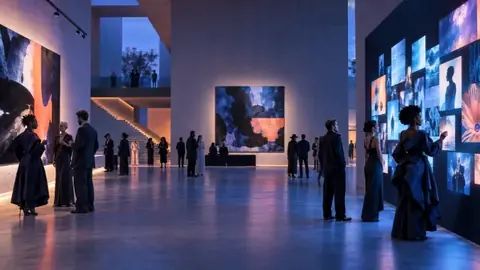






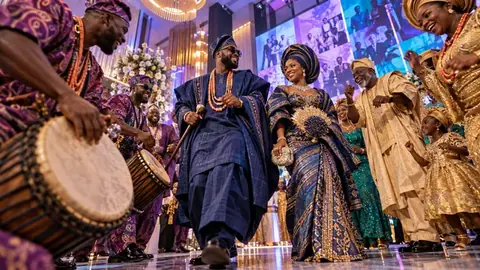
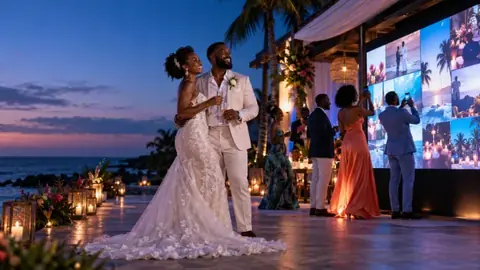












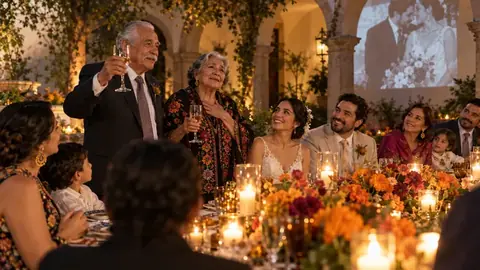
Once guests have had their portraits drawn and you've approved them, turn them into something for the wall at home.
Make the poster
- Open your event, click Toonloud portraits, then Make the poster.
- Pick a design: Classic (cream and gold), Party (bold and bright), Team (your colour) or Clean (simple white).
- Click any words on the poster to change them, such as "Our guestbook".
- Choose a paper size: 12 × 16 in, 18 × 24 in, 24 × 36 in or Letter.
- Click Print or save as PDF, then choose Save as PDF in the print window. Send the file to any print shop.
Make the mosaic
- On the same page, switch to Mosaic.
- Click Choose the main photo and pick one photo of the couple or the guest of honour.
- Every guest's portrait becomes a tile, and together they make that photo. Click Download the mosaic.
Note
The main photo stays on your computer. It is not uploaded.
Only approved portraits are used. Test portraits are left out.